For Demands, the program includes the following notifications:
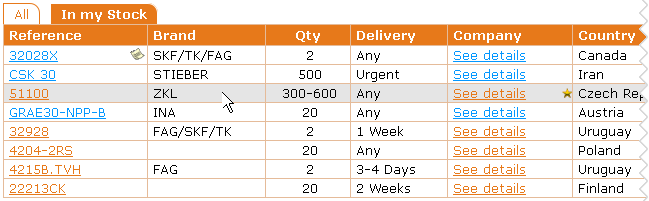
- If someone places a Demand and you've got it on your stock, this icon
 is shown in the notifications box:

If you click on , the "In my Stock" tab will open and the icon will disappear from the notifications box.
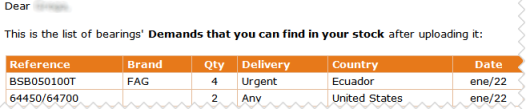
- If you update your stock with new references and you have new Demands that you can meet, we will send you an e-mail including the list of these Demands (e-mail subject: Demands found in your new Stock):
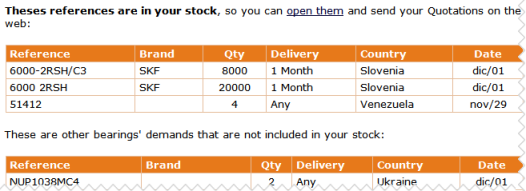
- On Tuesdays and Thursdays the program sends an e-mail with the summary of the new Demands. If the program find these new Demands on your Stock, displays them in a separate table, at the beginning of the e-mail: